
Are You a First Time User?
Welcome to FinalForms! If you're a first-time user or logging in for the first time, we're here to guide you through the simple steps to get started. Follow the instructions below to set up your account and begin your journey with us.
Steps for First-Time Users: If Your School is Creating Your Account
Check your inbox for an email notification from the FinalForms Mailman.
Click on CONFIRM YOUR ACCOUNT to be linked to a page where you will enter and confirm your password.
After entering your password, click CONFIRM ACCOUNT, and you will successfully be logged in to FinalForms!
Steps for First-Time Users: If You Are Creating Your Account
Navigate to your school's FinalForms website. To search for your school visit search.finalforms.com.
Click NEW ACCOUNT.
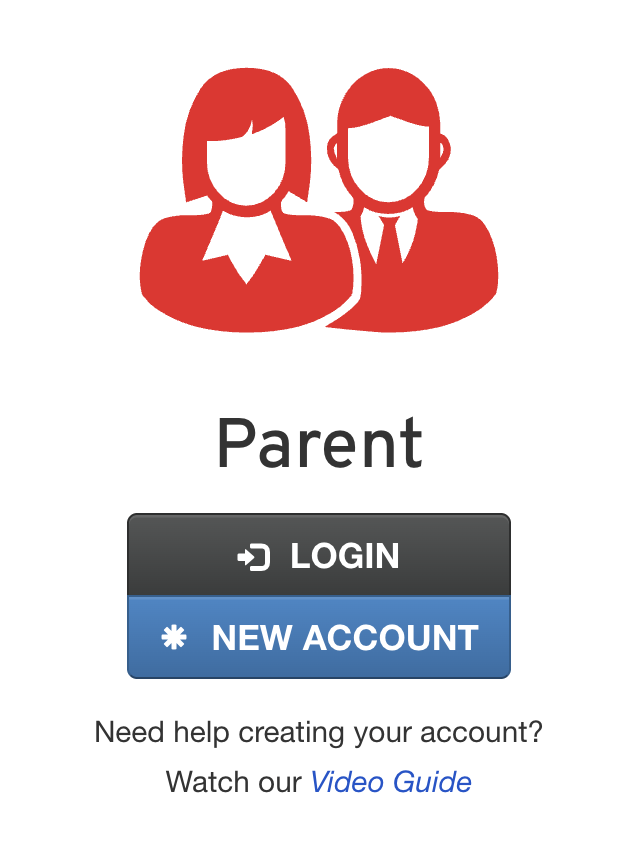
Register your parent account and add required information.
Check your inbox for an email notification from the FinalForms Mailman.
Click on CONFIRM YOUR ACCOUNT to be linked to a page where you will enter and confirm your password.
After entering your password, click CONFIRM ACCOUNT, and you will successfully be logged in to FinalForms!
Need Help?
If you did not receive an email notification, be sure to check your spam folder. If the email is still missing, please contact our Support Team at support@finalforms.com. We're here to help!