
How Do I Add an Emergency Contact?
In this guide, we will walk you through the simple steps to update this information using the Emergency Medical Authorization form in FinalForms.
Steps to Update Emergency Contact Information
Follow these easy steps to ensure that your student's emergency contacts are current:
Log in to your FinalForms parent/guardian account.
Click the Update Forms button located in your student's row.
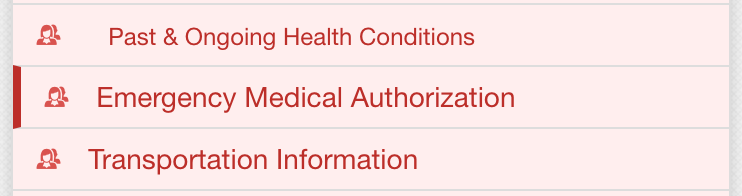
Select the Emergency Medical Authorization form from the sidebar of available forms.
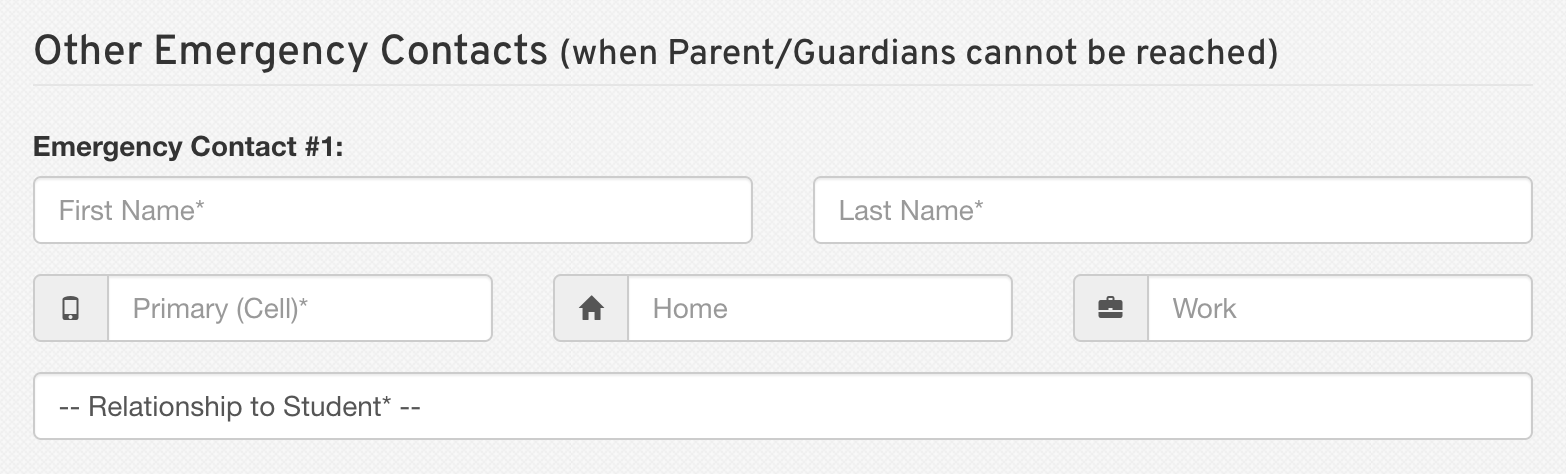
Update or add information in the Other Emergency Contacts section as needed.
Scroll down to the bottom of the form to sign it. Click Submit Form to save your changes.
By following these steps, you can ensure that your student's emergency contact information is always up to date. If you have any questions or need further assistance, feel free to reach out to our Support Team!