
How Do I Change My Email or Text Notification Preferences?
As a parent/guardian, you receive various communications from the school by email and/or text message. You can easily manage your notification settings through your FinalForms account.
Step-by-Step Instructions
Log in to your FinalForms account and navigate to the My Students page.
Locate the student whose notification settings you want to change, then click the Edit button for their account.
Scroll down to the bottom of the page, under the Parent/Guardian heading, click Edit Record next to your name.
Here, you can check or uncheck any boxes to update your notification preferences.
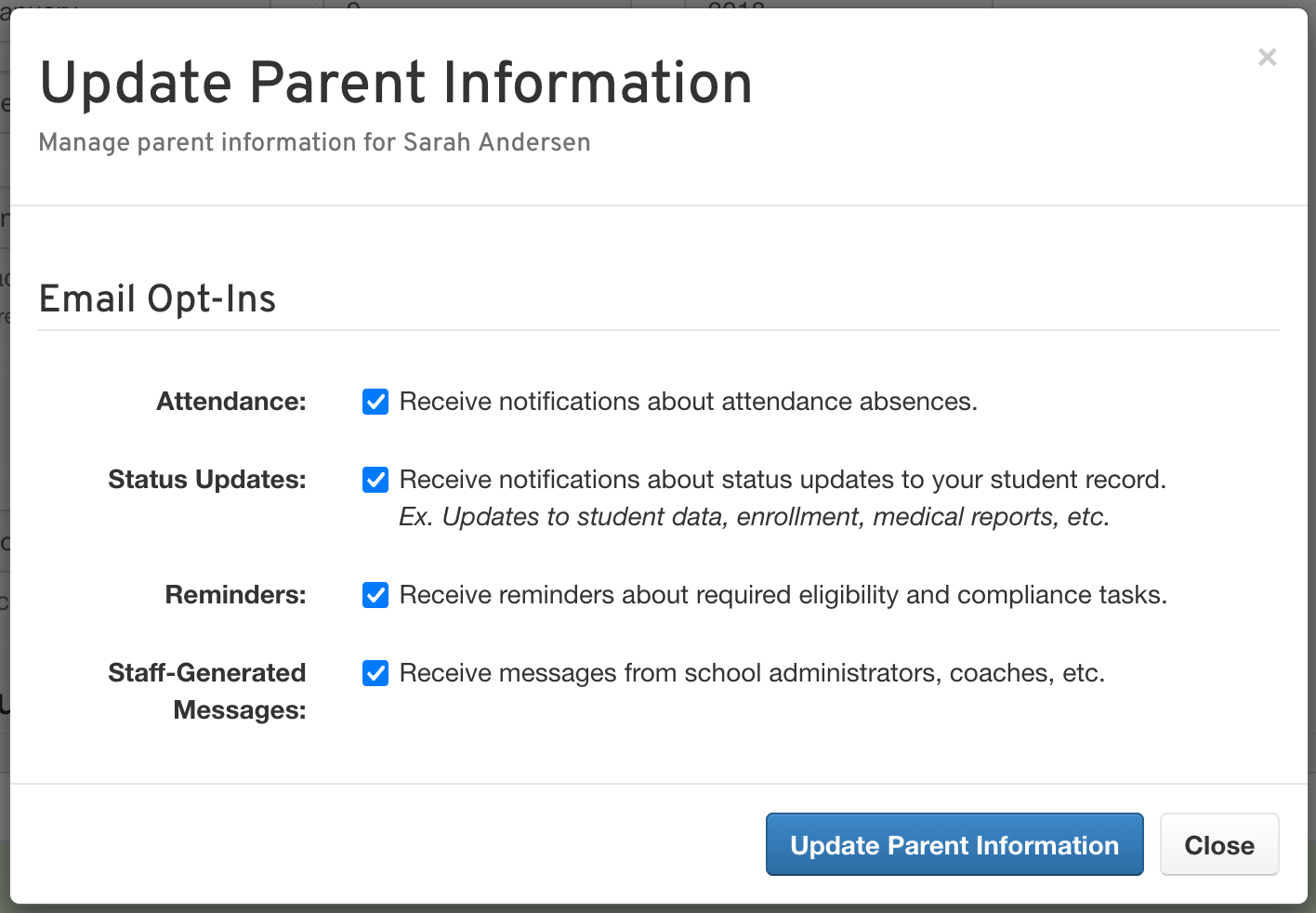
Don’t forget to click Update Parent Information to save your changes!
Repeat for Additional Students
If you have more than one student, repeat the above steps for each additional student to ensure all your preferences are set correctly.