
How Do I Submit My WIAA Participation Survey
This guide provides step-by-step instructions for completing the Participation Survey in FinalForms. The process is designed to be as seamless as possible, ensuring that your athletic association receives the necessary information efficiently.
Overview of the Participation Survey
Your FinalForms rosters are automatically pre-populated into your Participation Survey. This feature simplifies the process, allowing you to focus on reviewing and submitting the survey rather than manually entering data.
Steps to Complete the Participation Survey
Important: The Participation Survey must be completed for every school (or building) in your district. District administrators may submit it for each school, or school administrators may submit it for their respective schools.
Click Manage > Schools.
Locate the school you wish to submit and click the Export button.
Select the WIAA Participation Survey option.
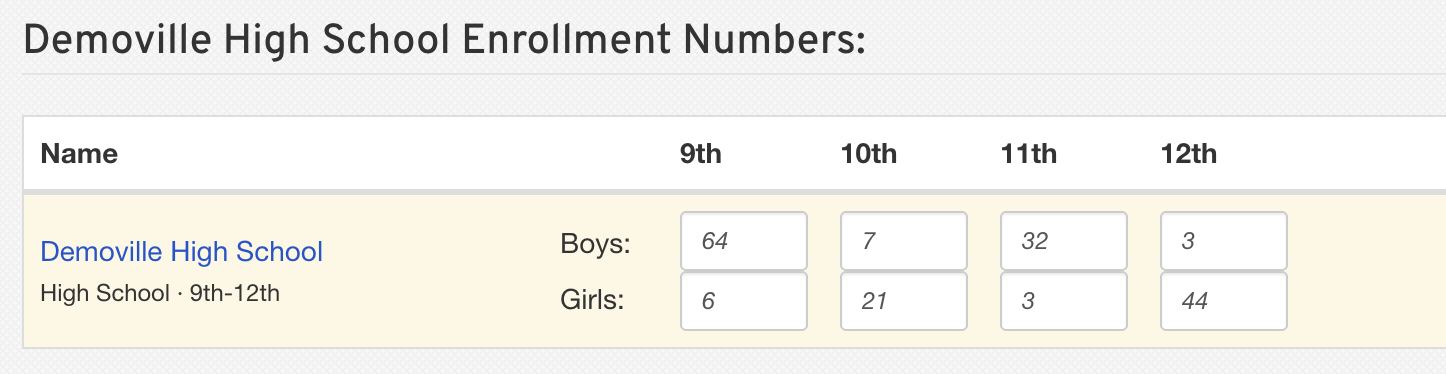
Review the pre-populated School Enrollment Numbers information from your rosters.
Note: These numbers are pulled from your FinalForms rosters. To change these numbers, click on the sport name, then view, modify, and finalize the roster as necessary. Return to the Participation Survey and complete the process.
After you have reviewed all of the numbers, click Submit to the WIAA at the bottom of the page to submit the survey.
Repeat these steps for any additional schools that need to be submitted.
You can submit and re-submit your WIAA Participation Survey at any time prior to the June 1st deadline. Upon the deadline, WIAA will use your most recent submission.
Conclusion
Completing the Participation Survey is a simple process that ensures the WIAA has the information it needs. By following the steps outlined in this guide, you can efficiently review and submit your survey within FinalForms. Yes, it’s that easy!