
Creating a Parent Account in FinalForms
How Parents Create an Account
Visit your school’s FinalForms landing page.
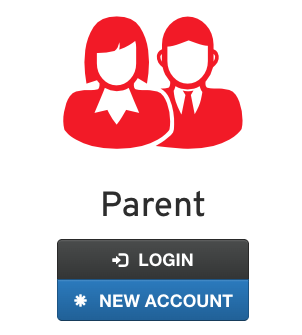
Click New Account.
Enter basic contact information (name, email, phone).
Follow the instructions in the email they received to verify the account.
Create a password and log in.
**In some cases, schools create parent accounts. If you reach the login page and there is no New Account button. You will need to contact your school administration for further instruction.
Pro Tip
Parents often ask if they need multiple accounts for multiple children. Nope!
One parent account manages all their students.
However, each parent/guardian must have their own account.
We do not recommend shared “Smith Family” accounts, since signatures and permissions must come from individual users.
Need help?
There is also a short how-to video on the school’s login page that parents can reference during account setup.