
Don't Miss Our Instructions Button
We understand that navigating through various tasks can sometimes be overwhelming. That's why we've made it easier for you by providing a handy Instructions button that guides you through essential processes. Let's take a closer look at what you can do with this feature!
Accessing the Instructions
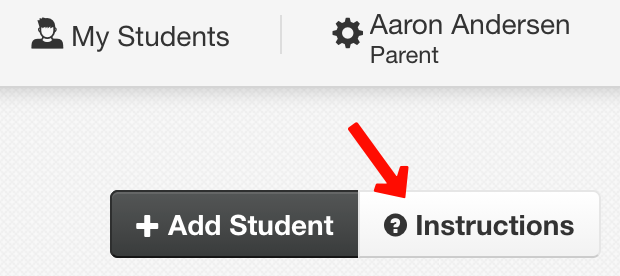
In the top-right corner of the Parent Home, you'll find the Instructions button. Click on it to access a translated, step-by-step guide tailored specifically for parents.
What You Can Learn
The guide includes helpful instructions on how to:
Add students
Register for sports and activities
Complete forms
Pay fees
Submit athletic physicals
Personalized Experience
One of the best features of this guide is that it dynamically adapts to your language preferences. This means that the instructions you see will be in the language you are most comfortable with, making it easier for you to follow along.
We hope this feature enhances your experience and makes it easier to manage your tasks. Happy navigating!