
Managing Athletic Mode
Welcome to our guide on managing students in Athletic Mode! This feature is designed to help you easily track and manage student-athletes' eligibility and compliance. Let's dive into the steps and specific features that make Athletic Mode a valuable tool for your organization.
How to Access Athletic Mode
To get started, follow these simple steps:
Click on Manage in the main menu.
Select Students from the dropdown options.
Click the Mode button and choose Athletic Mode to enter athletic view.
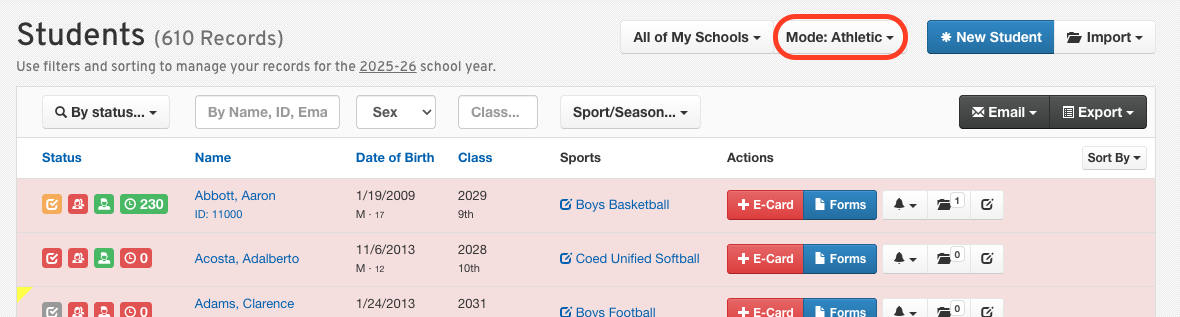
Specific Features of Athletic Mode
Athletic Mode comes with several features tailored to enhance your experience:
Status icons, form completion status, and compliance indicators are specifically designed to reflect athletic eligibility.

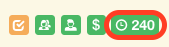
Physical expirations are displayed as countdowns, making it easier to track important dates.
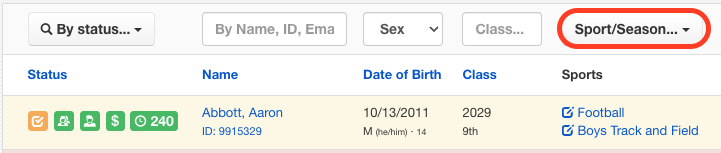
You can sort and filter students by the sports for which they are registered, providing a more organized view of your student-athletes.
Filtering by Sport
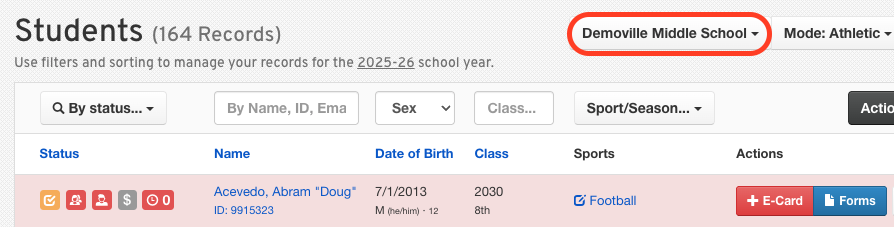
The Sports/Season filter allows you to filter by specific sport, i.e., HS Boys Football. To do this, you need to apply a school filter first.
We hope this guide helps you navigate Athletic Mode with ease! If you have any questions or need further assistance, feel free to contact our Support Team.