
I Received My Account Confirmation Email. Now What?
Edited
Steps to Confirm Your Account
To confirm your account, please follow these steps:
Click the click here to confirm your account link in the confirmation email from mailman@finalforms.com.
Once you click the link, you will be prompted to input your password. Remember, never share your password with anyone!
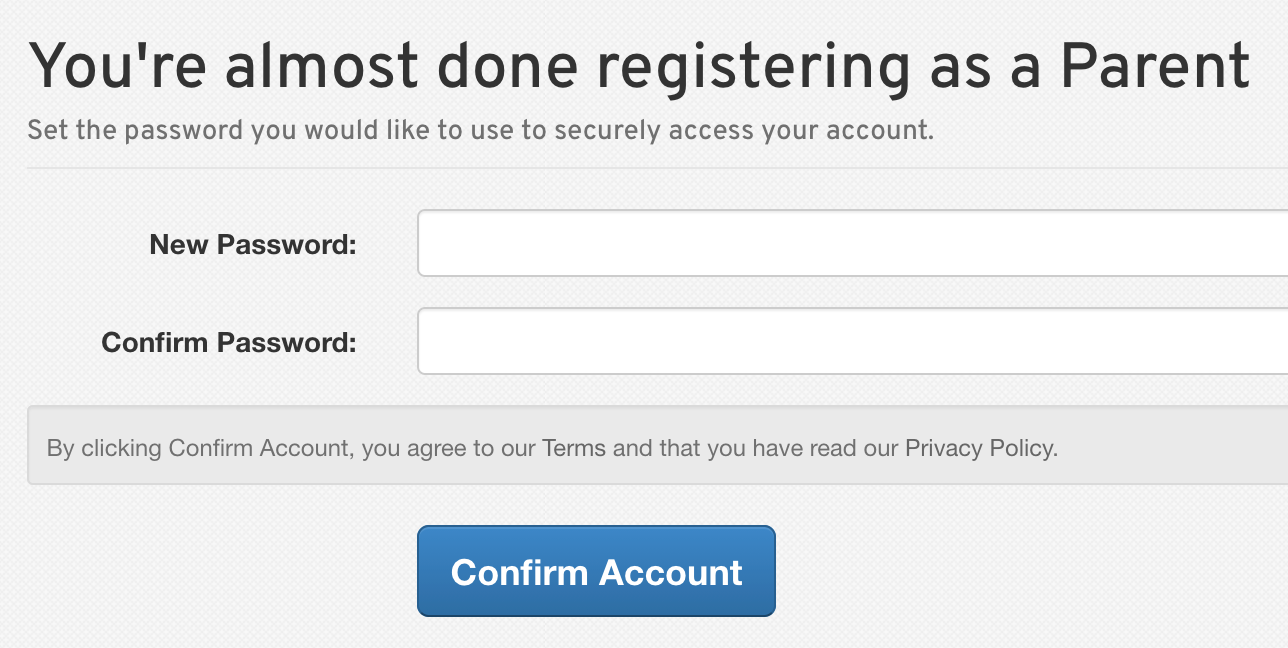
After confirming your password, your account will be confirmed, and you will gain appropriate access to FinalForms.
If you have any questions or need further assistance, feel free to reach out to our Support Team. We're here to help!
confirm email
confirmation
confirm account
account confirmation
Was this article helpful?
Sorry about that! Care to tell us more?