
I Am an Athletic Administrator. Where Can I Check if My Coach Has Completed the State Coaches Rule Meeting?
Edited
1. Access the sports management section.
To get started, click the Manage button and select Sports.
2. Filter for incomplete compliance checklists.
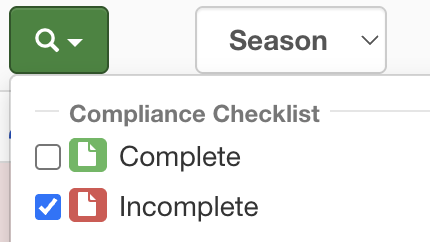
Next, filter the list by selecting the Incomplete Compliance Checklist option. This will help you identify which sports require your attention.
3. Watch the state rules meeting video.
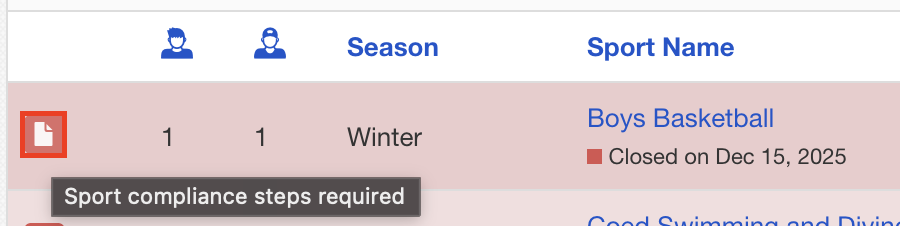
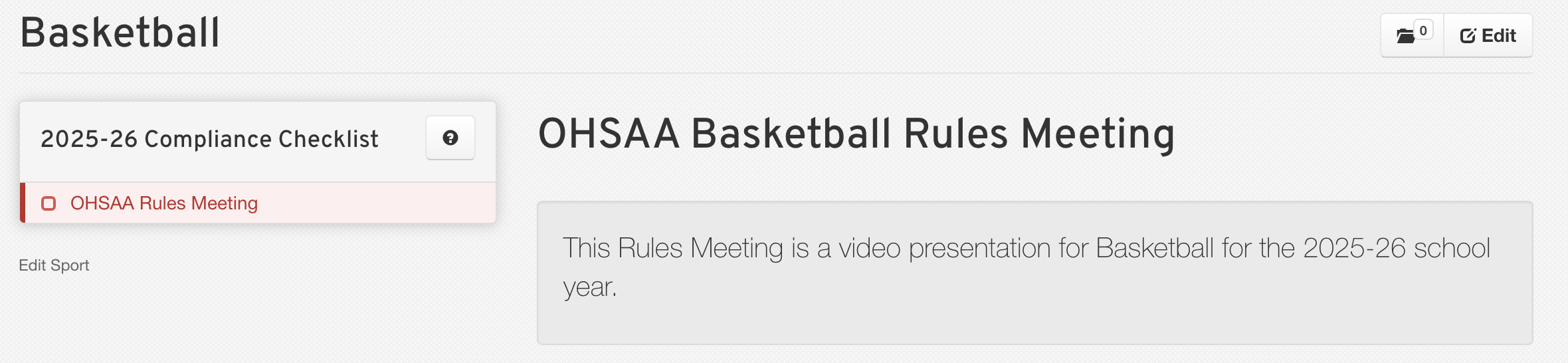
In the row corresponding to the sport you are managing, click on the Form icon. This will open up the compliance form. Here, you will find a video of the State Rules Meeting. Click on the video to watch it.
4. Complete the form.
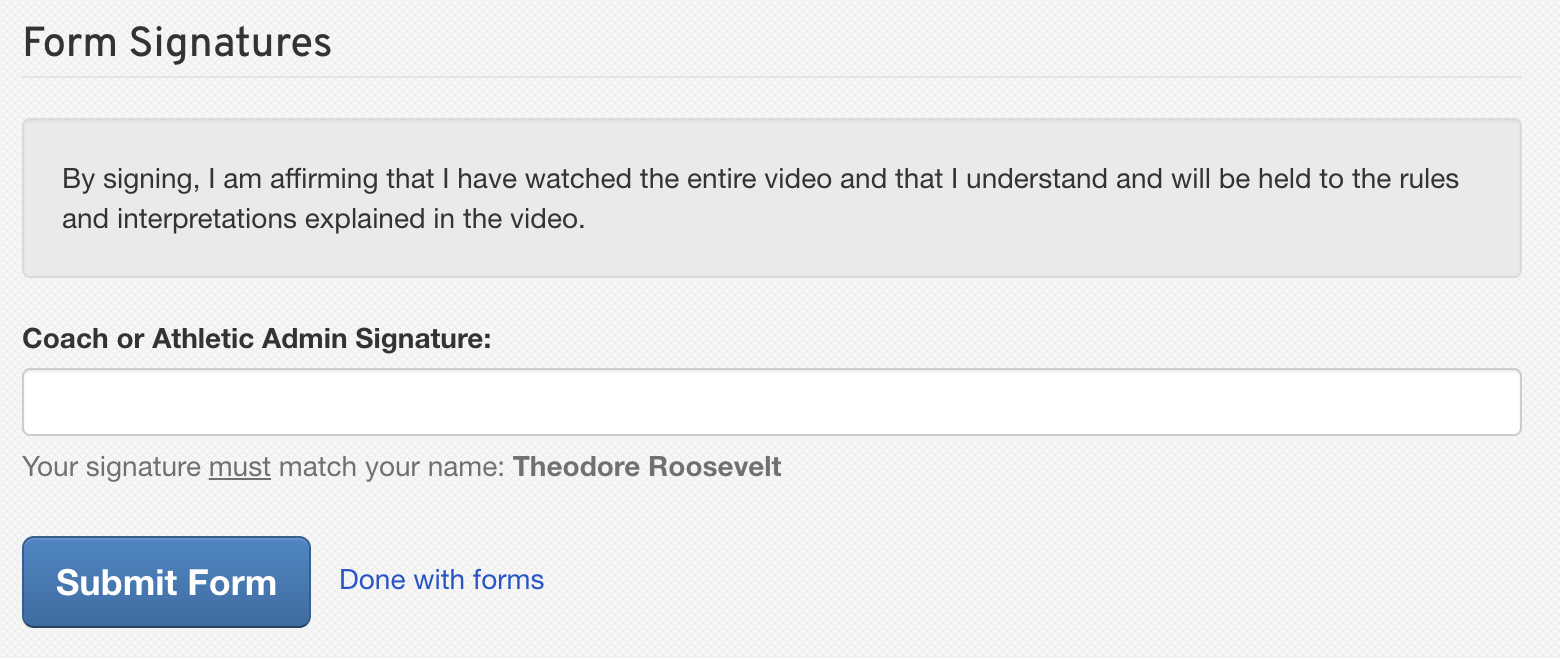
After watching the video, make sure to sign your name at the bottom of the form and click on the Submit Form button to earn your credit.
5. Verify submission.
Finally, return to the Manage > Sports page. You should see that the sport is now highlighted in green, indicating that the State Rules Meeting has been successfully submitted.

Compliance Checklist
Sports Management
State Rules Meeting
Form/Submission
Manage > Sports