
Parent Actions & Notifications
Welcome to the guide on registrar roles! In this article, we will explore the various actions that administrators can take to enhance the parent experience and manage accounts effectively. Let's get started!
Administrators can send account notifications and view the parent experience using a variety of built-in actions.
Available Actions
Here are the actions that registrars can perform:
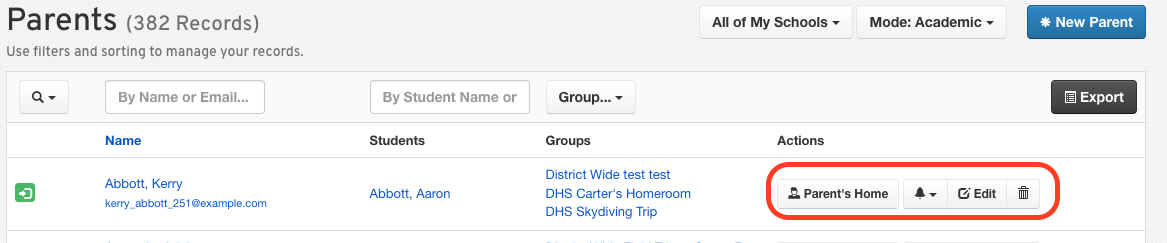
Parent Home: View the parent's My Students page.
Resend Confirmation: Send a confirmation email to the parent.
Send Password Reset: Allow parents to reset their passwords.
Force Password Reset: This action is for security purposes only and should be used if the account is compromised.
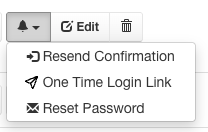
Edit Parent: Make necessary changes to the parent's account information.
Delete Parent: Remove a parent's account from the system.
Security Note
You can use the Force Password Reset option if you suspect the account has been compromised. This ensures the security and integrity of the parents' information.
If you have any questions or need further assistance, please contact the FinalForms Support Team.