Using Parent Home (Admin View of a Parent’s Account)
Overview
Parent Home is one of the most helpful support tools for schools.
It allows staff to see a parent's dashboard exactly as the parent sees it — no more guessing.
This is especially useful when:
A parent calls confused
A family speaks English as a second language
You need to verify what forms a parent can see or access
How to Access Parent Home
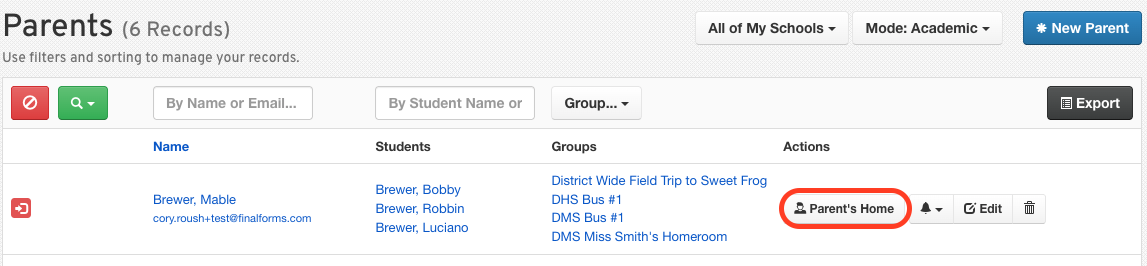
Go to Manage > Parents.
Search for the parent.
Click Parent Home.
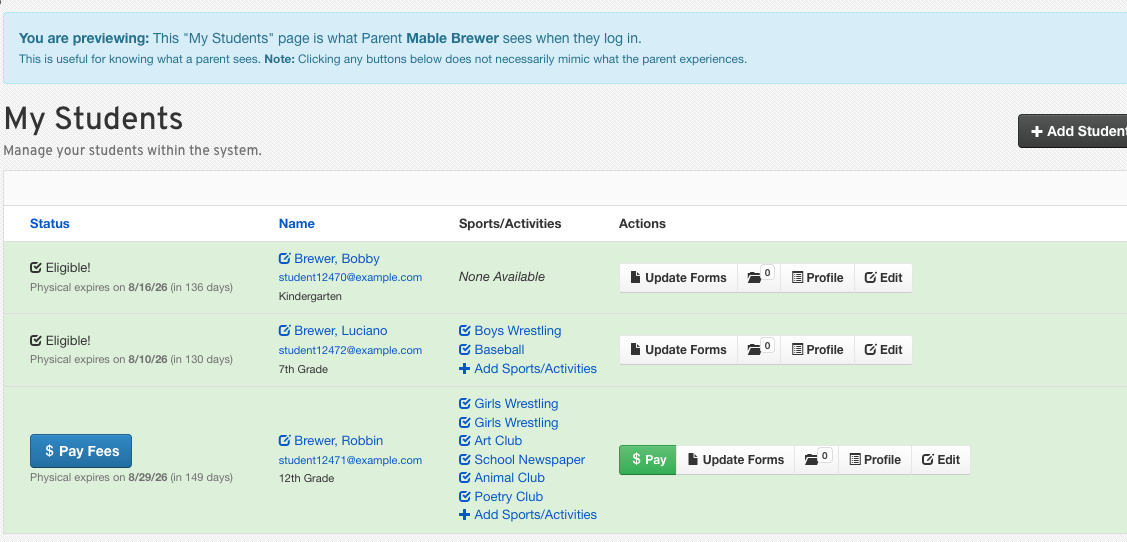
You'll now see FinalForms through their eyes — the exact dashboard layout, form statuses, and available actions.
What You Can See in the Parent Home
Student list
Incomplete or complete form indicators
Buttons such as:
Update Forms
PPE Medical
Profile
Edit
Sports/activity registrations
Fee statuses (if applicable)
This makes it easy to walk parents through any issue step by step.
Supporting ESL Families
Parent Home also helps staff activate translations.
To enable translations:
Click the Edit button for the parent's account.
Check the box to enable translations.
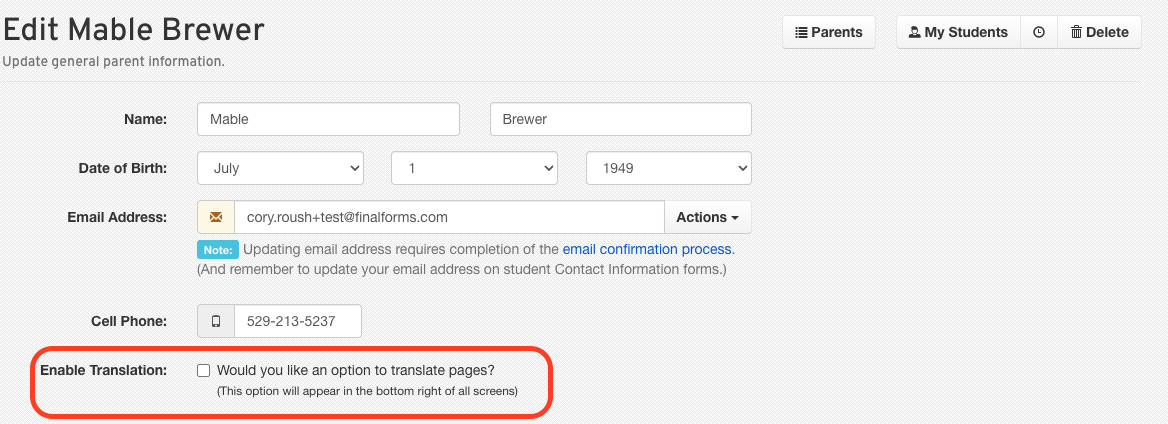
Click the Update Parent button at the bottom of the page.
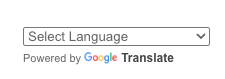
The Google Translate tool is now at the bottom right of any FinalForms page for that parent. Click it to select the language of preference.